Changing Language
How do I change the language?
-
Click on the Profile Icon.
-
Navigate to the Patient tab and scroll down to locate the Language option.
-
Under the Language section on the left, you will see the message: Choose the language you would like to use with Blume.
-
Select your preferred language from the dropdown list:
-
English
-
Spanish
-
Hindi
-
French
Mobile
-
Click on the Profile Icon.
-
Navigate to the Settings tab.
-
Under the Language section, you will see the message: Choose the language you would like to use with Blume.
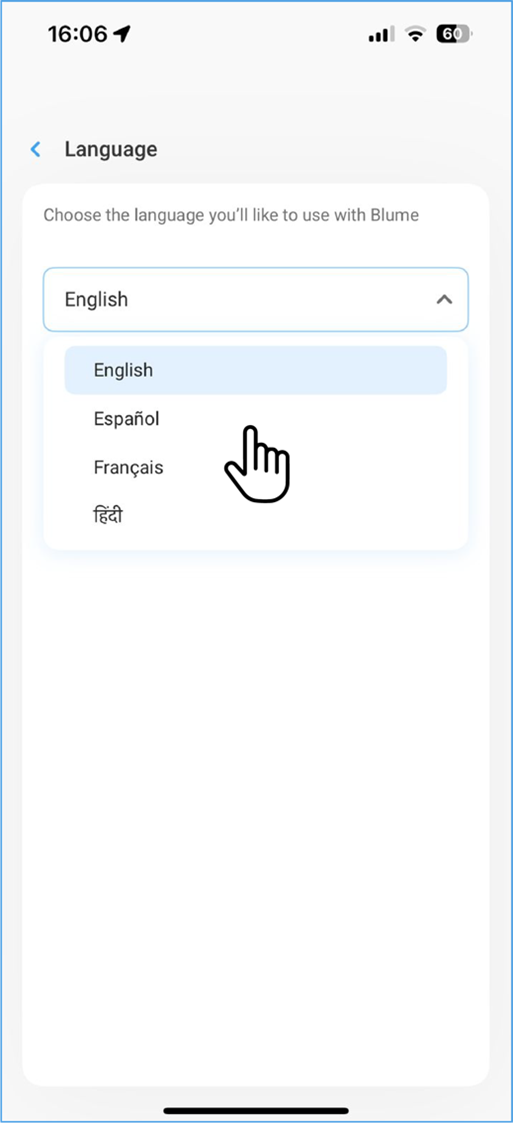
- Select your preferred language from the dropdown list:
-
English
-
Spanish
-
Hindi
-
French